DIN Rail Power Supply: Installation and Wiring Guide
What is a DIN Rail Power Supply?
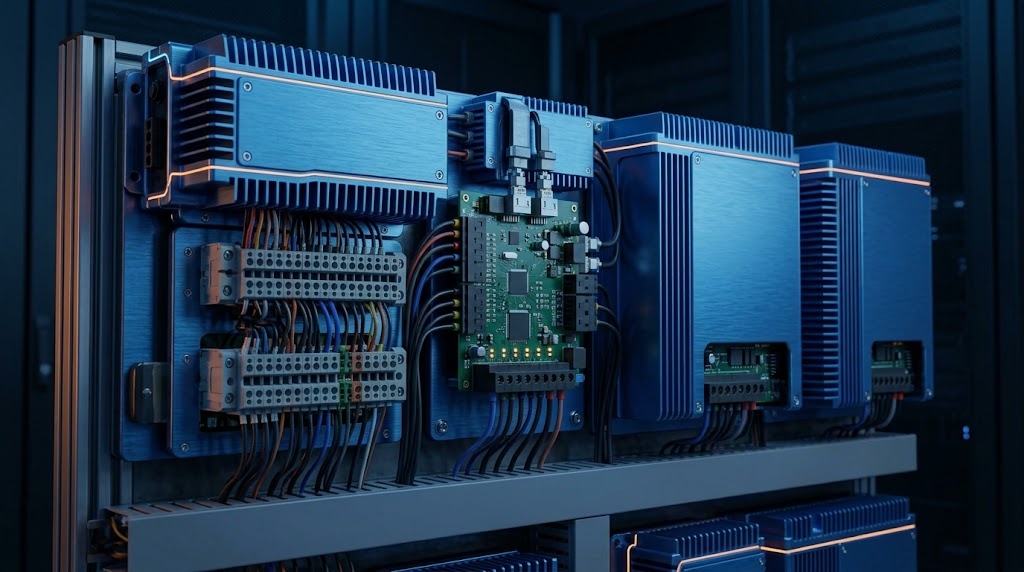
A DIN rail power supply is designed to snap directly onto standard metal rails inside electrical enclosures and control cabinets. This modular mounting format standardizes assembly, saves valuable back-panel space, and simplifies wiring organization. Discover industry-standard form factors at Sanpu Power.
Benefits of Using DIN Rail Mounts in Control Cabinets
-
Tool-free Installation: Snaps securely onto standard TS-35 rails.
-
Space Optimization: Narrow profiles allow high-density component layout.
-
Clean Wiring: Terminal blocks are logically positioned for straightforward cable routing. For specialized narrow layouts, a slim power supply profile provides even greater installation flexibility.
Preparation and Safety Precautions Before Installation
Before mounting any hardware:
-
Ensure the main breaker supplying the cabinet is locked out and tagged out (LOTO).
-
Verify that the rail is securely grounded to the enclosure backplate.
Step-by-Step Wiring and Mounting Instructions
-
Angle the power supply, hook it onto the top lip of the DIN rail, and push down until the spring-loaded latch clicks into place.
-
Strip AC input wires to the recommended strip length and insert them into Live (L), Neutral (N), and Ground (FG) terminals, torquing screw terminals to specification.
-
Connect DC output wires (+V and -V) to downstream controllers or relays.
Ensuring Proper Ventilation and Thermal Spacing
Maintain a minimum clearance of 10mm to 15mm on the left and right sides, and 50mm top and bottom, to allow natural upward convection airflow through the unit.
Grounding and Electrical Safety Standards
Proper grounding is non-negotiable. Connect the protective earth terminal to the main earthing busbar to prevent electrical shock hazards and suppress electromagnetic interference (EMI).
Testing and Commissioning Your Setup
Power on the unit while monitoring the DC output voltage LED indicator. Use a digital multimeter to confirm that output voltage matches nominal expectations before connecting sensitive electronic loads.
Troubleshooting Common DIN Rail Power Issues
If the unit fails to output power after installation, check input wiring continuity, verify breaker status, and inspect for accidental short circuits on the DC output side. Explore robust hardware options directly via Sanpu Power Supply.