Troubleshooting 250W Indoor Power Supply Noise and Heat Issues
Audible hums, high-frequency coil whine, and excessive casing heat are common issues in commercial B2B power supply installations. When deploying high-capacity power units—such as a 250w indoor power supply—in enclosed retail spaces, offices, or acoustic-sensitive environments, electrical engineers and installers must quickly diagnose whether these symptoms stem from normal magnetostriction or indicate electrical overload, improper airflow, or component failure.
This technical guide provides a step-by-step diagnostic framework to trace the root causes of audio noise and excessive heat, along with corrective actions to ensure safe, silent, and reliable operation.
Acoustic Noise Mechanics: Transformer Whine vs. Capacitor Buzz
Power supply noise typically manifests in two distinct frequency ranges, each pointing to a different underlying cause:
+---------------------------------------------------------------------------------------------------+
|                                 Acoustic Noise Diagnostic Matrix                                  |
+-------------------+-----------------------------------+-------------------------------------------+
| Noise Type        | Acoustic Signature                | Primary Physical Cause                    |
+-------------------+-----------------------------------+-------------------------------------------+
| High-Frequency    | High-pitched squeal (10kHz-20kHz) | PWM frequency drop, ceramic capacitor     |
| Coil Whine        |                                   | piezo vibration, unstable feedback loop   |
| Low-Frequency     | Heavy hum or vibration (50/60Hz)  | Magnetostriction in transformer core,     |
| Mains Buzz        |                                   | loose mounting panel resonance            |
+-------------------+-----------------------------------+-------------------------------------------+
High-Frequency Coil Whine
Pulse-Width Modulation (PWM) switching circuits inside an indoor led driver ip20 operate above 20 kHz (outside human hearing). However, when the driver operates under light load conditions or experiences unstable dimming signals, the switching frequency can drop into the audible spectrum, causing magnetic components and ceramic capacitors to vibrate mechanically.
Low-Frequency Chassis Resonance
When a power supply is mounted directly onto thin sheet metal or wooden cabinet panels without isolation pads, physical micro-vibrations from the main transformer core radiate through the mounting surface, turning the panel into an acoustic amplifier.
Thermal Mechanics: Safe Operating Limits vs. Thermal Runaway
Understanding the distinction between normal thermal radiation and hazardous thermal runaway is essential for maintaining equipment longevity.
Ambient Air Convection: [ Air Intake ] ──► ( Perforated Aluminum Casing ) ──► [ Heat Dissipation ]
Thermal Obstruction:   [ Trapped Heat ] ──► ( Blocked Clearance < 5cm ) ──► [ Over-Temp Shutdown ]
Normal Thermal Baseline
Under an 80% continuous operating load, a high-efficiency 250w indoor led driver 24v 10.4a ip20 naturally generates casing temperatures between 45°C and 65°C ($113\text{°F} \text{ to } 149\text{°F}$). Touch warmth on the aluminum housing is normal and indicates that internal heat sinks are transferring heat away from sensitive internal components.
Over-Temperature Thresholds
If casing temperatures exceed 85°C ($185\text{°F}$), the unit risks entering Over-Temperature Protection (OTP) thermal shutdown. Continuous operation above recommended thermal thresholds accelerates electrolytic capacitor fluid evaporation, shortening overall driver service life.
Four-Step Diagnostic & Troubleshooting Sequence
Follow this systematic troubleshooting sequence to isolate noise and thermal issues in commercial installations:
[System Diagnostics]
       │
       ├──► High-Pitch Squeal? ──► Step 1: Check Load Percentage & Dimmer Compatibility
       ├──► Heavy Chassis Hum?  ──► Step 2: Install Anti-Vibration Rubber Dampeners
       ├──► Excessive Casing Heat? ──► Step 3: Measure Clearance & Verify 80% Load Rule
       └──► Random Shutdowns? ──► Step 4: Test Output Terminals for Micro-Shorts
Step 1: Verify Load Margin (The 80% Load Rule)
Running a 250W power supply near or above 100% capacity increases thermal output exponentially and forces internal inductors to operate near magnetic saturation, triggering coil whine.
-
Action: Ensure total connected LED module wattage does not exceed 200W (80% of rated 250W capacity).
Step 2: Provide Convection Airflow Clearance
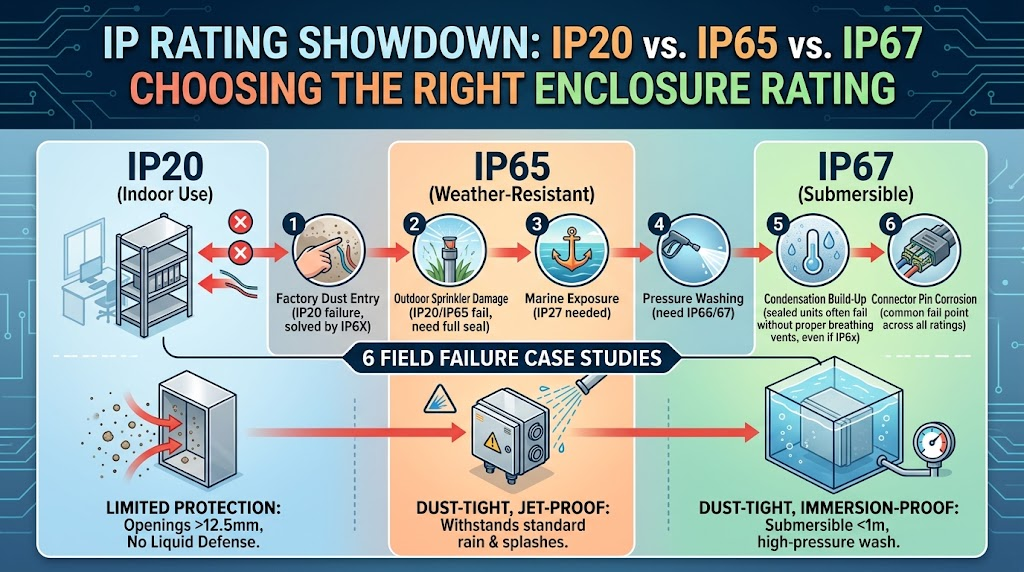
Unpotted IP20 open-frame aluminum housings rely on passive air movement to cool internal transformers.
-
Action: Maintain at least 5 cm (2 inches) of unobstructed clearance around all perforated ventilation slots. Avoid installing drivers inside airtight wooden enclosures without forced ventilation.
Step 3: Mechanical Vibration Isolation
-
Action: Place neoprene washers or silicone anti-vibration grommets between the driver’s mounting tabs and the mounting surface to isolate mechanical micro-vibrations.
Step 4: Resolve Dimmer PWM Conflicts
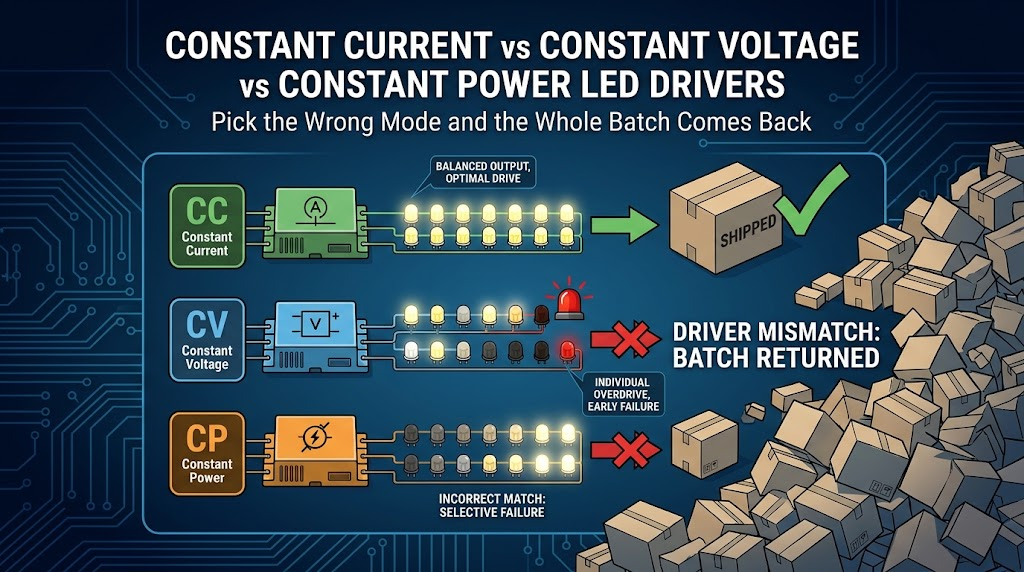
Matching incompatible phase-cut (TRIAC) dimmers with constant-voltage drivers causes irregular current pulsing, producing loud transformer buzzing.
-
Action: Switch to a compatible 0-10V or PWM dimming controller to ensure smooth current delivery.
Preventative Installation Checklist
Applying proper installation protocols from the start prevents acoustic and thermal issues before they occur.
+---------------------------------------------------------------------------------------------------+
|                                 Installation Safety Thresholds                                    |
+---------------------+---------------------+----------------------+--------------------------------+
| Metric              | Optimal Range       | Warning Threshold    | Action Required                |
+---------------------+---------------------+----------------------+--------------------------------+
| Casing Temp         | 45°C - 65°C         | > 75°C               | Increase ventilation clearance |
| Continuous Load     | 50% - 80%           | > 80%                | Reduce LED strip total length  |
| Mounting Clearance  | ≥ 5 cm around unit  | < 3 cm               | Relocate unit to larger space  |
+---------------------+---------------------+----------------------+--------------------------------+
Installer Action Checklist
-
Calculate Total Load: Ensure total LED strip consumption stays under 80% of rated capacity.
-
Check Mounting Orientation: Install the unit vertically or horizontally on a solid surface to maximize passive upward air convection.
-
Isolate Acoustic Vibration: Use rubber mounting washers when attaching drivers to hollow walls, metal trays, or wooden cabinets.
-
Verify Driver Specifications: Use a high-efficiency 250w indoor power supply with active Power Factor Correction ($\text{PF} > 0.95$) to minimize harmonic distortion and thermal waste.
For detailed technical datasheets, dimensional schematics, and load tolerance specifications, refer to the official 250w indoor led driver 24v 10.4a ip20 product resources.